This two page layout was created using the Treasure Box Designs paper piecing file: "Mudding", Little Girl's head: Kiddies and Crackers file, Treasure Box Face Stamps, cut with Make the Cut software and my Gazelle.
Showing posts with label Layouts. Show all posts
Saturday, August 25, 2012
Sunday, August 5, 2012
Easter Layouts
Finally getting around to working on some Easter pictures. I am really behind.
Used Treasure Box Designs paper piecing files, Make the Cut software for cutting with my Gazelle. Pebbles chalks, colored pencils for detail, Treasure Box Face Stamps, EK Success Lattice Chain border punch, Sizzix scallop pocket tag, Martha Stewart Eyelet Lace punch around the page punch, Spellbinders scallop nestabilities dies, Cuttlebug, EK Success Card Creator Basketweave punch and various cardstocks and papers.
Sunday, May 27, 2012
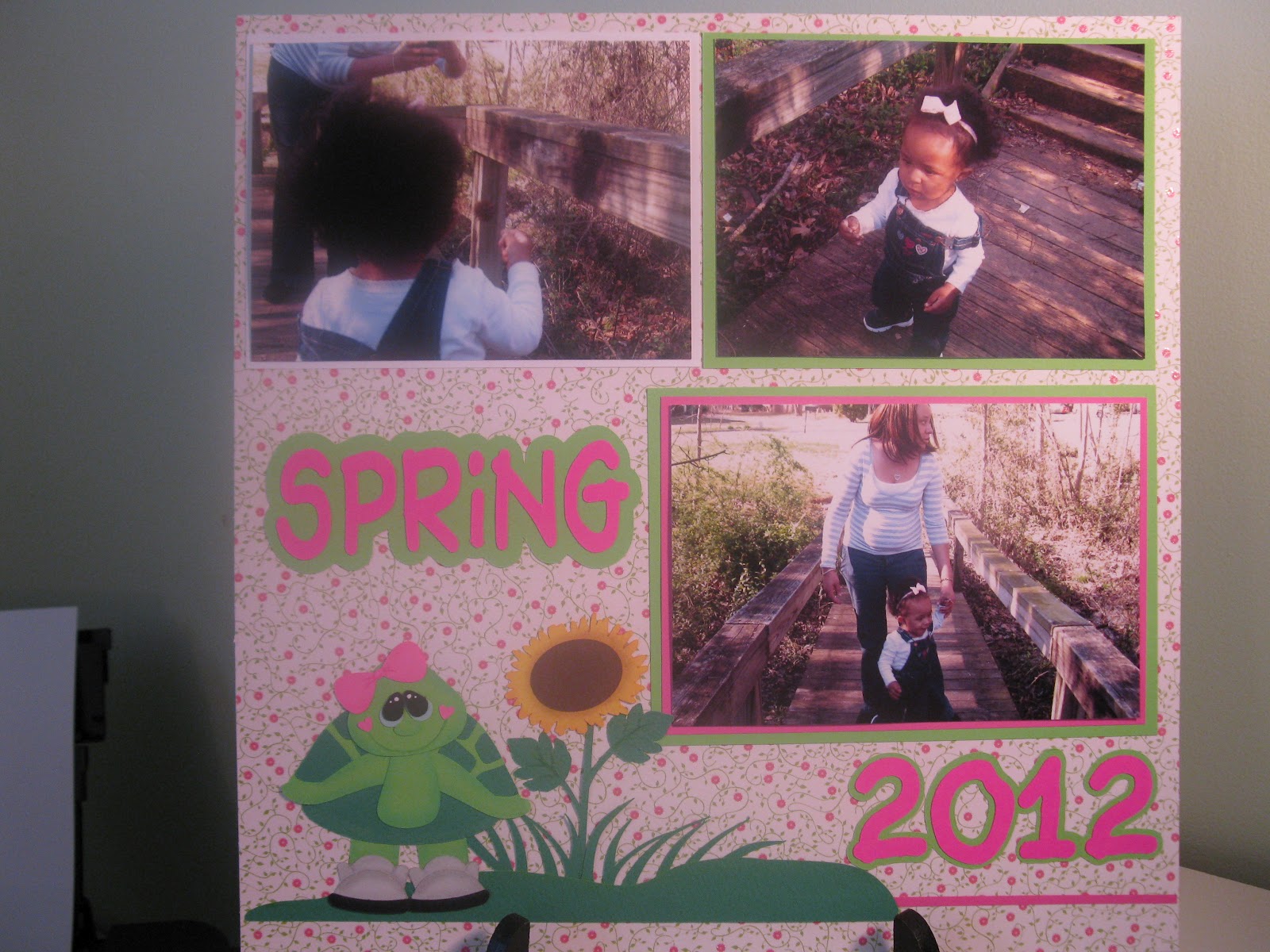
Spring
Paper Piecings: TBDesigns - Free Birdie, I Turtly Love You!
Machine used to cut: Gazelle
Software used: Make the Cut!
Pebbles Chalks
Random Paper
Me and My Shadow
Paper Piecings: Treasure Box Designs-Holiday Village(Groundhog Day)
Machine used to cut: Gazelle
Software used: Make the Cut!
Border: Martha Stewart Picket Fence punch
Pebbles Chalks
Misc Papers used
Saturday, May 5, 2012
Halloween Layout
Paper Piecings: Treasure Box Designs - Spooky Collection, Treasure Box Pals, New Arrival, What A Doll(freebie file), Pal Frames (freebie file)
Machines: cut with my Gazelle
Software used: Make the Cut (MTC)
Chalks: Pebbles blending chalks
Random paper
Scrub-A-Dub-Dub
Paper Piecings: Treasure Box Designs - Scrub-A-Dub-Dub collection
Machines used: To Cut - Gazelle, To Emboss - Cuttlebug with Swiss Dot folder for embossing, Sizzix Sidekick with RickRack decorative strip
Software used: Make the Cut (MTC)
Martha Stewart Double Scallop edge punch
Pebbles blending chalks
Random Paper
New Arrival
Paper Piecings From Treasure Box Designs - New Arrival Set
Cut using my Gazelle
Software used: Make the Cut (MTC)
Martha Stewar Doily Lace edge punch
Software used: Make the Cut (MTC)
Martha Stewar Doily Lace edge punch
Chalks - Pebbles blending chalks
Paper - Random
Saturday, May 7, 2011
Expecting Baby Layout
I am starting a scrapbook for my daughter, who at this time has had my granddaughter. So this layout with more to follow will be a little late.
I love to create my layout pages in Make the Cut beforehand so that I can see how placement will be and what embellishments I want. This was all cut with my Gazelle!!
I have attached the MTC file if you would like this layout. When you open it in Make the Cut you will see the layout page. The lock is on the page. This is to show you how to assemble it, although you can move it around to the way you would like. I have made three cutting pages(tabs) for this file (included) so that it will make it easy to cut the separate elements. See the journaling tag, baby peeker and stork tabs on this file. Unlock them before cutting and move the group around for your paper placement and cutter. Also on the stork page remove the note that I added to the page about the stork color before cutting.
I used Peachy Keen face stamps (Everyday Faces) on the baby peeker. I will have the stork holding the baby in a future layout to share. Look for it soon.
Hope you like this.
I love to create my layout pages in Make the Cut beforehand so that I can see how placement will be and what embellishments I want. This was all cut with my Gazelle!!
(hid daughters belly since she was showing it-not sure she would appreciate showing the "world")
I have attached the MTC file if you would like this layout. When you open it in Make the Cut you will see the layout page. The lock is on the page. This is to show you how to assemble it, although you can move it around to the way you would like. I have made three cutting pages(tabs) for this file (included) so that it will make it easy to cut the separate elements. See the journaling tag, baby peeker and stork tabs on this file. Unlock them before cutting and move the group around for your paper placement and cutter. Also on the stork page remove the note that I added to the page about the stork color before cutting.
Click HERE for the MTC file.
I used Peachy Keen face stamps (Everyday Faces) on the baby peeker. I will have the stork holding the baby in a future layout to share. Look for it soon.
Hope you like this.
Sunday, May 16, 2010
CyberCrop Weekend
This has been a busy weekend of crafting. Over at the MTC forum, I participated in their first ever CyberCrop weekend. There were 10 Challenges and 9 Bonus Challenges. You had to do a separate project for each challenge. I was only able to get 7 out of the 10 Challenges completed. Hey but that is more crafting in a weekend than I think I have ever done. LOL!!!
See below for my projects.
Challenge #1 - Color Challenge. Use only the colors Purple and Turquoise (white/black could be used for any journaling).
Challenge #2 - Create a title in MTC with a graphic attached to the words.
Challenge #3 - Create a project using vinyl.
I did not get to Challenges #4 & #5.
Challenge #6 - Paper Piecing. Create a paper piecing piece using MTC.
(note: This is the little lamb from the Strawberry Shortcake series I shared.)
Challenge #7 - Create a project using an animal theme.
Challenge #8 - Use three flowers on your project.
(Made this Get Well Card)
I did not get to Challenge #9.
Challenge #10 - Use metal or embossing.
(I used my cuttlebug and nestability embossing dies
for this birthday card.)
Well, that was my first ever online crop and it was a lot of fun. I am looking forward to participating in many more. Want to join in on some of the fun, join us over at the Make the Cut forum.
Labels:
Cards,
Copics,
Cricut,
Cuttlebug,
Layouts,
Magnolia Stamps,
Make the Cut Files,
Nestabilities,
Vinyl
Tuesday, April 13, 2010
Wicked 2-Page Layout
I did this for another challenge over at the MTC Forum message board. This challenge was to use a silhouette image. The image of Elphaba the Witch was from a colored graphic, which I traced around in Paint and then brought it into MTC to finish and cut. The Time Dragon Clock was a photograph that I traced around and erased the background using Paint and then brought it into MTC to finish and cut. The flying monkeys were already a silhouette image.
My daughter and I are going to see Wicked the Musical in June when it comes to Charlotte. This will be our second time seeing it. We saw it June 2006 in New York City. If you haven't seen this show and ever have a chance to go see it, I highly recommend it.
Thanks for looking.
Thanks for looking.
Monday, April 5, 2010
Layout for a Challenge
Here is a layout I did for a "border" challenge. If you will see I used the cat border that I had shared. Check my site for the Borders mtc file for this.
On this layout I used mtc to create and cut the cat border and the large spiderweb. I used silver stickles on the spiderweb. I used a Tilda stamp (from Magnolia stamps) and colored it with the Copic markers. I also used the Martha Stewart Punch around the page - spiderweb punches around this mat and then added a couple more mats with ribbons.
Labels:
Borders,
Copics,
Layouts,
Magnolia Stamps,
Make the Cut
Subscribe to:
Posts (Atom)